Custom chat overlay
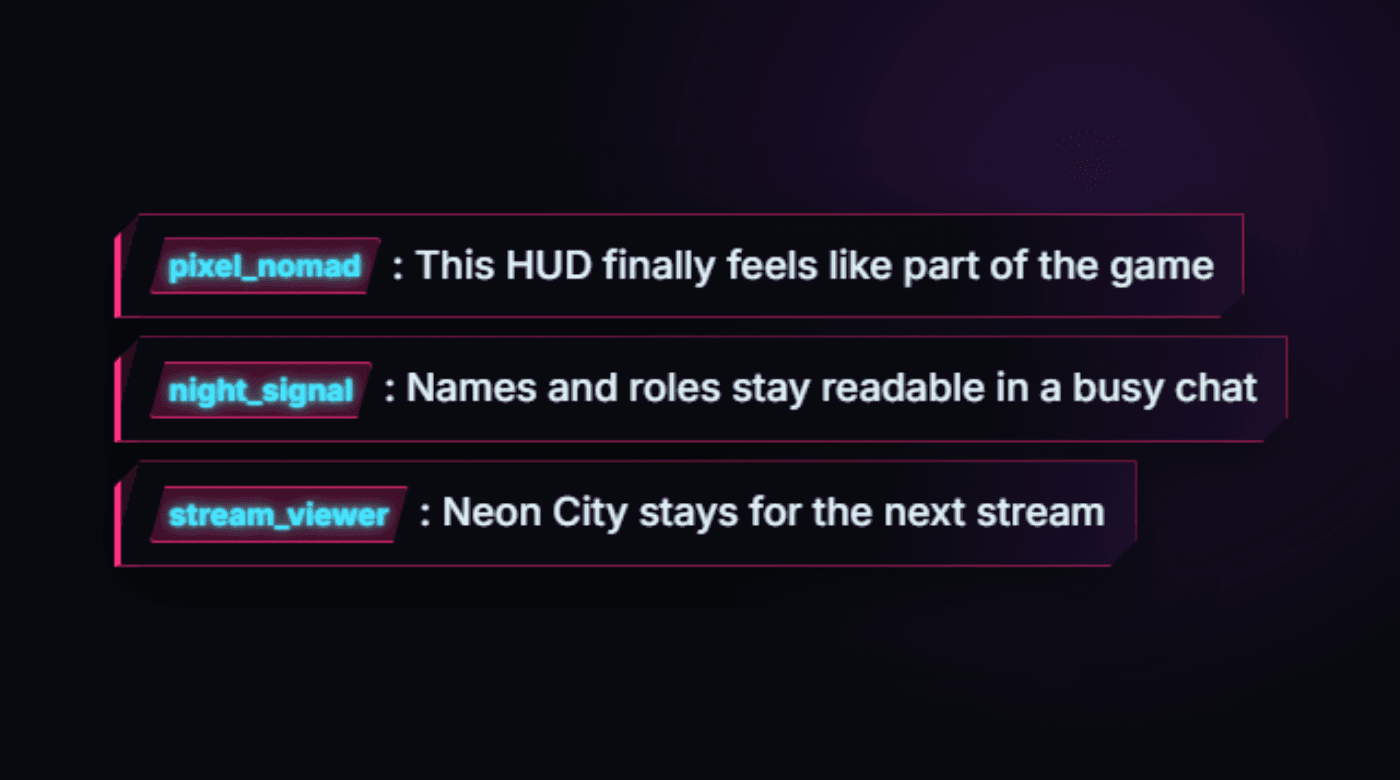
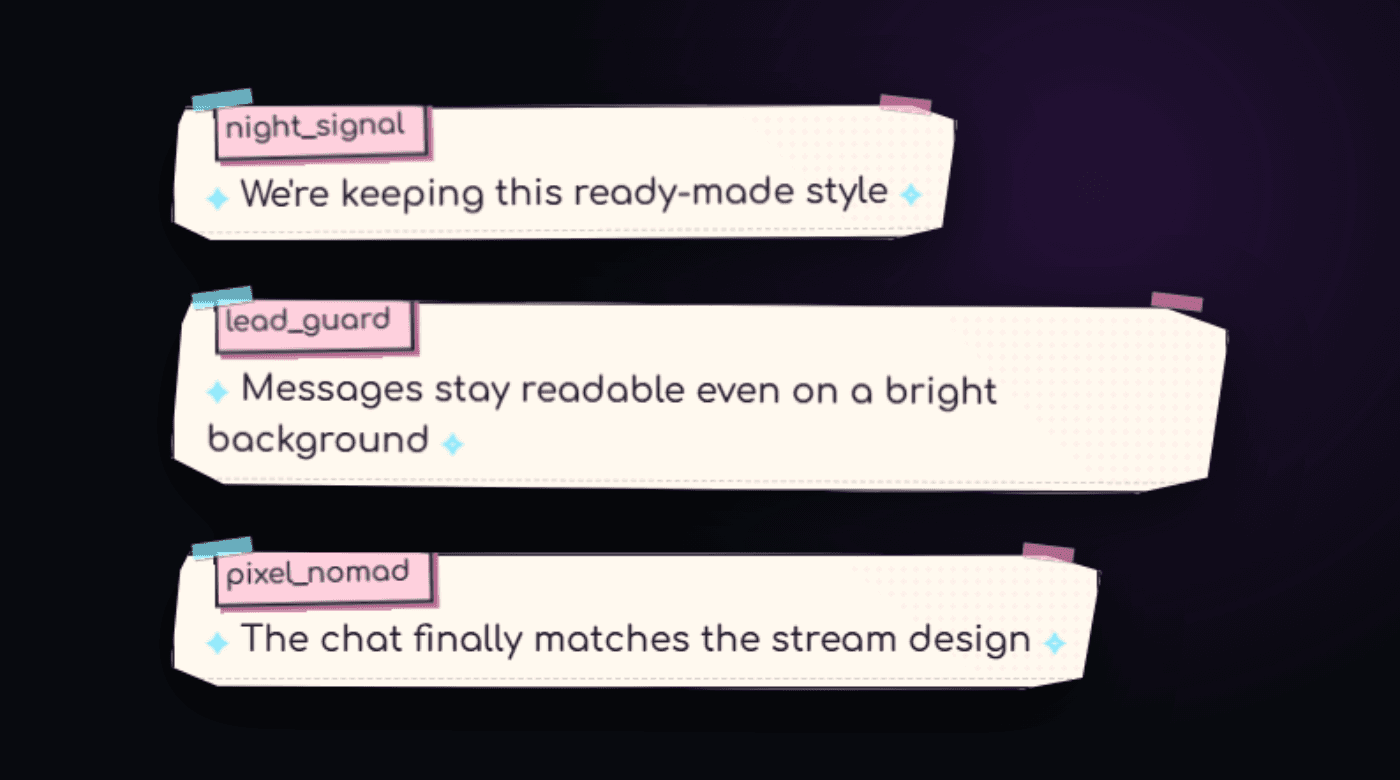
Configure colors, sizing, roles, replies, rewards, and animation visually.
Learn more →Style your chat, combine platforms, run auctions and donation goals with end credits, and organize Twitch clips—all in one service.
The basic constructor is free. PRO unlocks permanent OBS links and the rest of the toolkit.
Configure colors, sizing, roles, replies, rewards, and animation visually.
Learn more →Twitch remains the foundation while YouTube and Kick join the same design.
Learn more →Lots, donations, channel points, and a visual draw in a dedicated OBS widget.
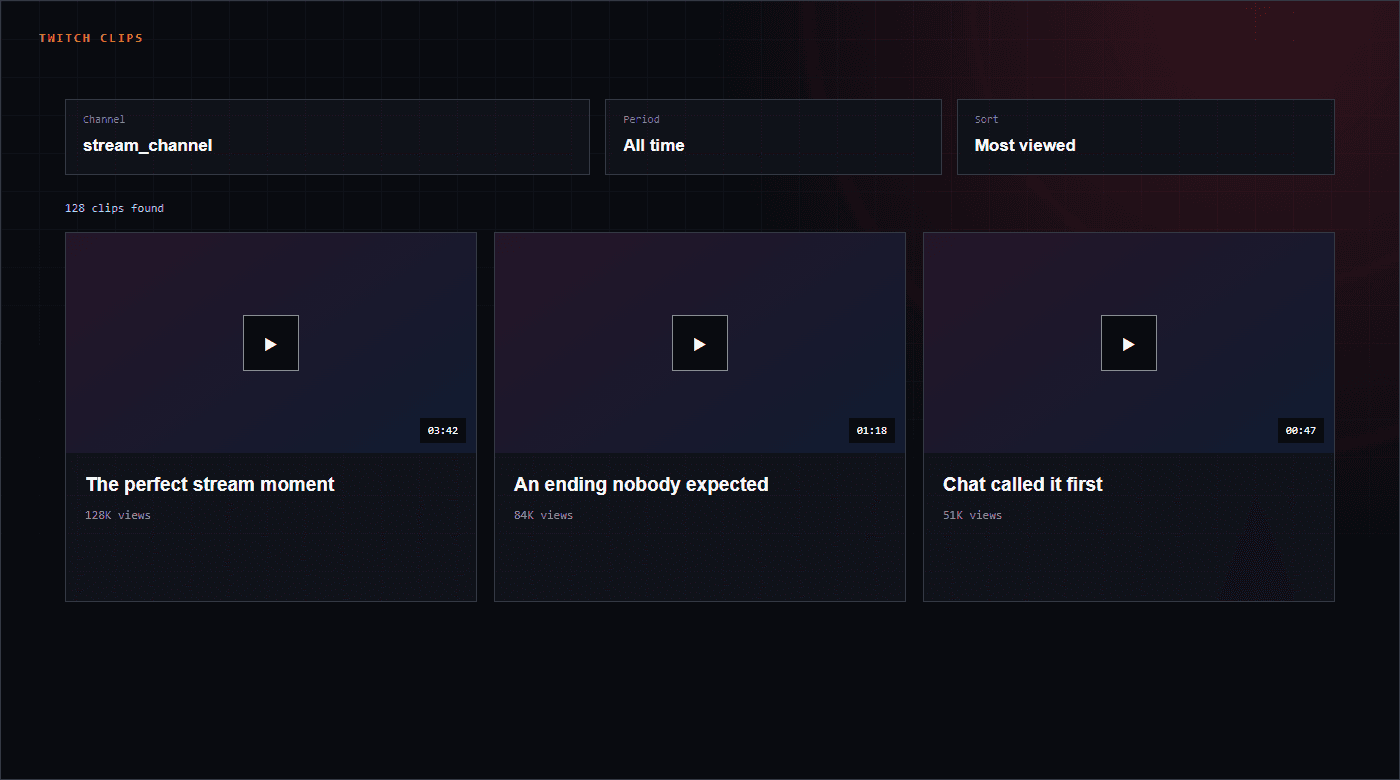
Learn more →Clips from any channel with convenient sorting by period, views, and duration.
Learn more →Automatic Twitch, YouTube and Kick announcements in Telegram channels and groups. No PRO subscription required.
Learn more →The preview mirrors the final Browser Source structure. Saved styles update through the same personal link.
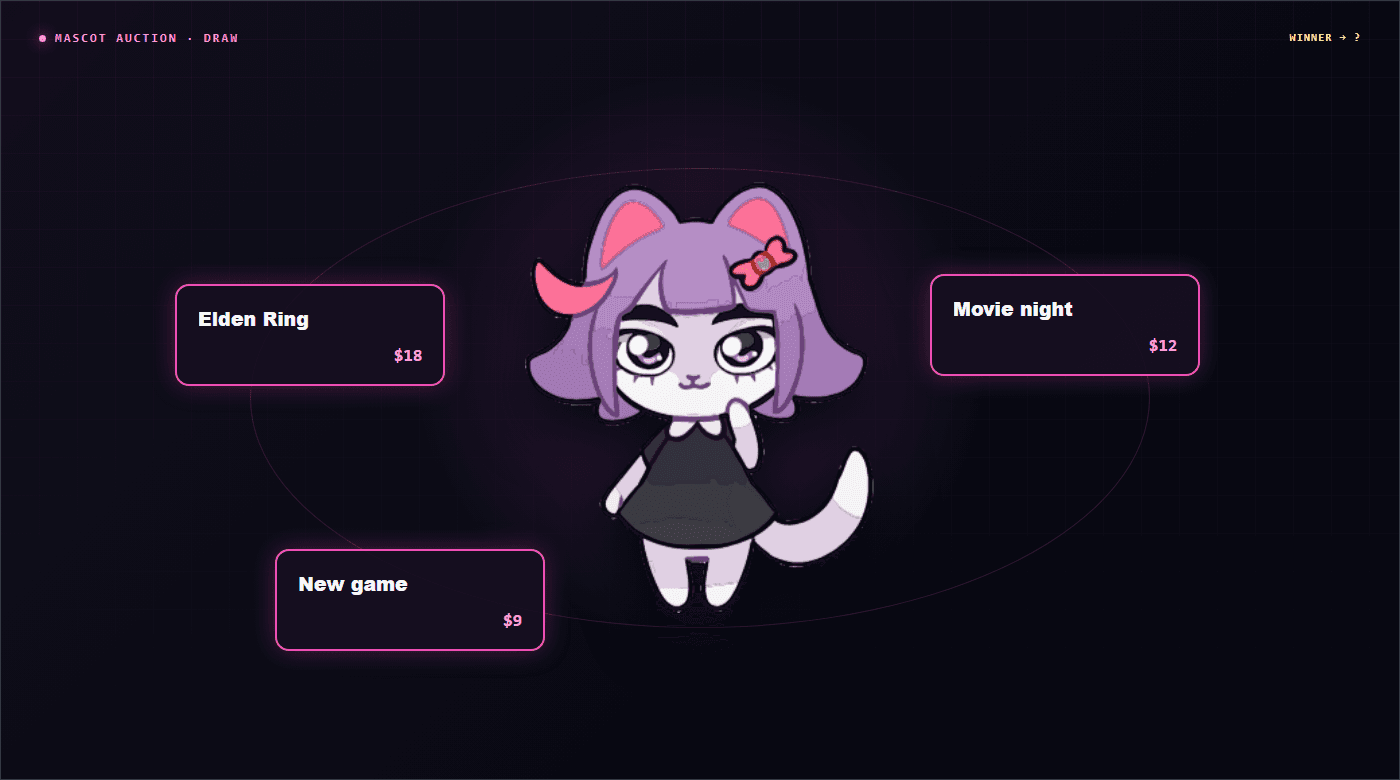
Viewers add lots through donations or channel points while the mascot runs the draw in OBS. Controls stay on a separate page.
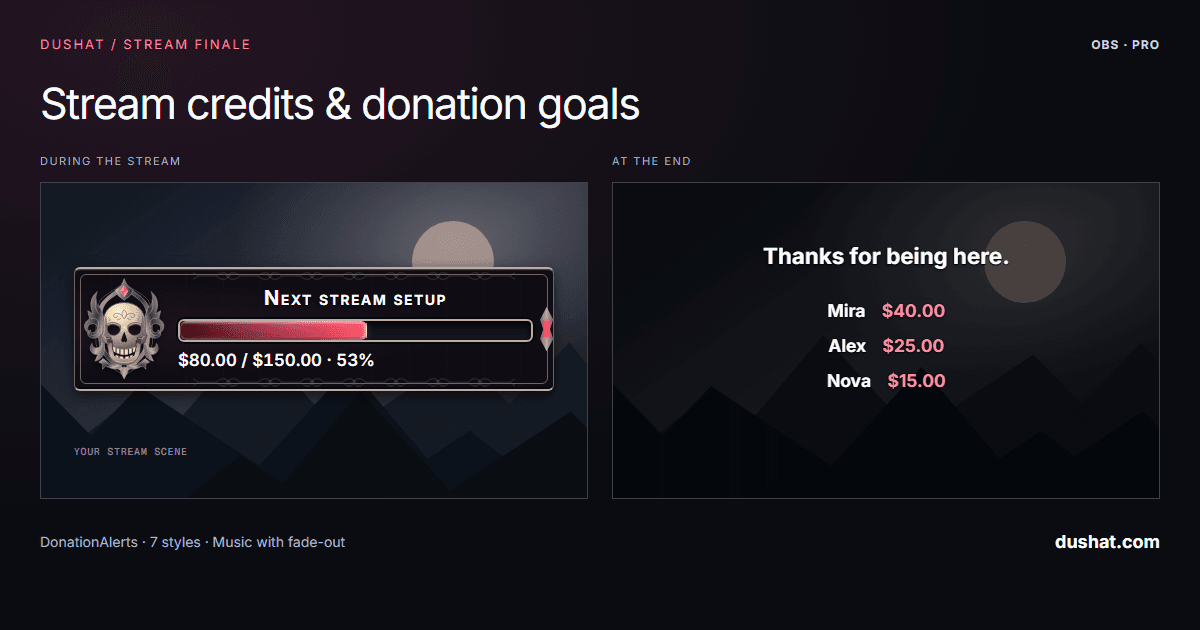
Show DonationAlerts donation progress, then roll donor credits with music in the same OBS browser source.
Enter a channel, choose a period, and sort clips to match the task at hand.
Explore the Twitch clip browser →