Readability over gameplay
Adjust font size, card width, padding, background opacity and borders. Check a long message as well as a short one before choosing how much of the scene your chat should occupy.
Choose a chat theme, shape the message cards and keep usernames readable over your game. Dushat PRO adds saved styles, supported 7TV emotes and a personal Browser Source URL.
Included in Dushat PRO. View the examples here without signing in.
Add a message, a reply or a channel point reward. Switch Neon City and Tokyo Pop, try a light background, or pause the feed.
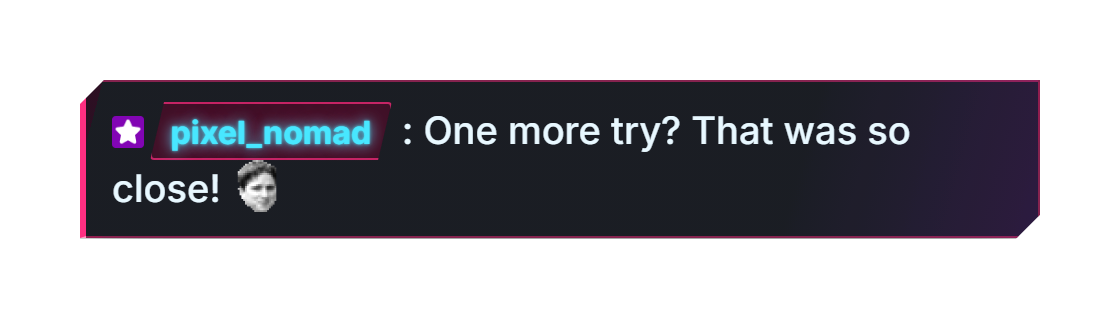
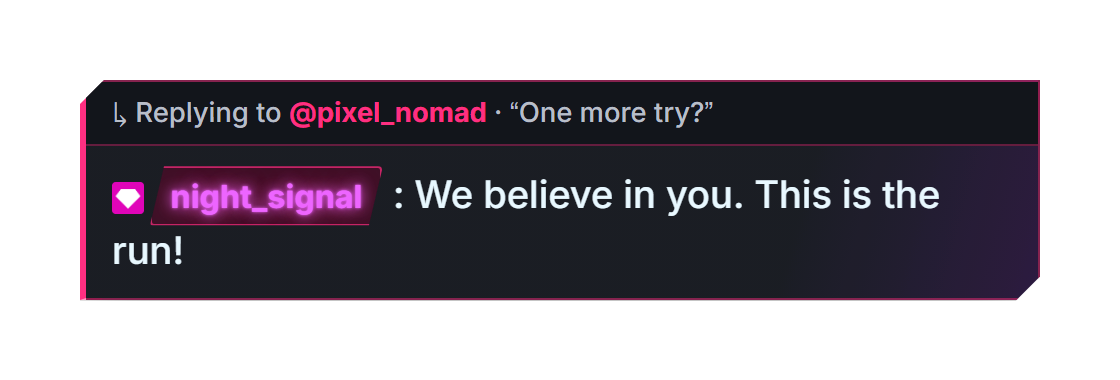
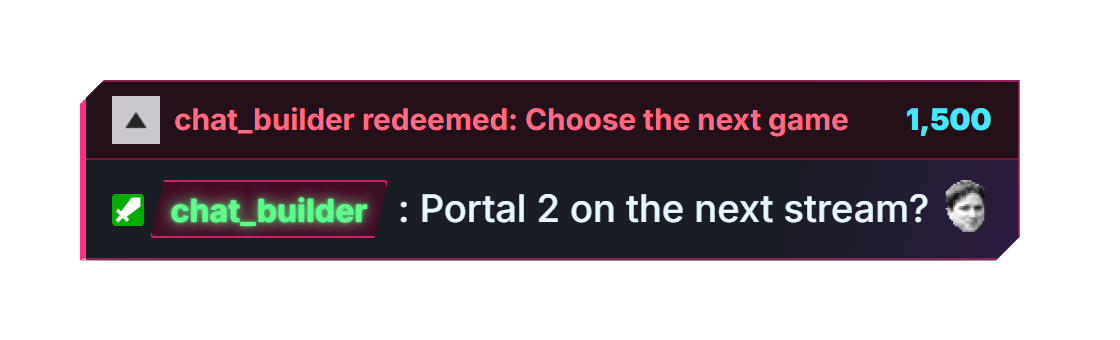
Adjust font size, card width, padding, background opacity and borders. Check a long message as well as a short one before choosing how much of the scene your chat should occupy.
Style usernames and roles separately. Preview replies, rewards and supported badges; native and supported 7TV emotes can appear alongside message text.
Choose entry and exit effects and their timing. Use the editor’s sample events and pause control to inspect how cards wrap and how much movement suits your stream.
Open the PRO constructor and select a preset. Try a reply, reward and long test message in the preview, then adjust the text and background for your scene.
Save the style under a name you can find later and publish it to obtain the OBS URL. For later edits to that saved style, use Save changes. If the editor asks you to refresh the OBS Browser Source, do so to display the updated design.
In OBS, add Sources → + → Browser and paste the personal URL. Set the width and height of your chat area and position it. For PRO, you do not need to copy CSS into StreamElements.
| Workflow | FREE | PRO |
|---|---|---|
| How it reaches OBS | CSS for an existing Twitch / StreamElements chat | Personal Dushat Browser Source URL |
| Making changes | Adjust the design and copy the updated CSS | Save changes to the published style; its URL stays the same |
| Themes shown above | Other free presets are available | Neon City / Tokyo Pop |
| Twitch + YouTube + Kick | No combined feed | Multichat included |
Yes. Open the free constructor to customize its presets and export CSS. Neon City and Tokyo Pop on this page are PRO themes.
Check both the font size in Dushat and the Browser Source transform in OBS. Shrinking the source also shrinks its text. Set the source dimensions for the intended chat area before fine-tuning typography.
Save changes to the style used by that source, then refresh the Browser Source in OBS. Editing a draft or saving a different style does not replace the design at the URL already in your scene.